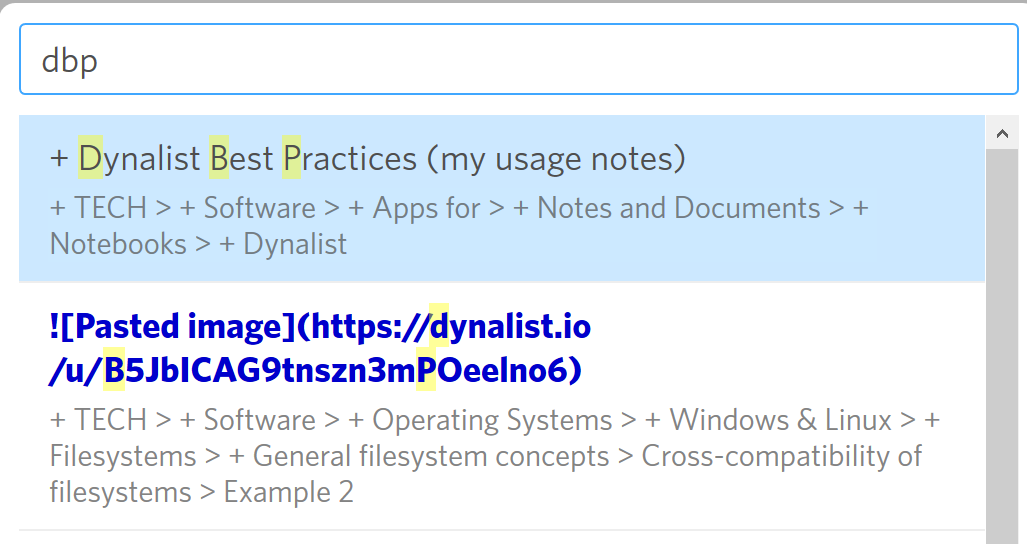
While I do slightly miss the fuzzy matching, I notice that search results tend to be more relevant – which is probably the goal you’re going for.
Meanwhile, typing the first 2 or more letters of each word, and adding spaces, may help.
(For example,
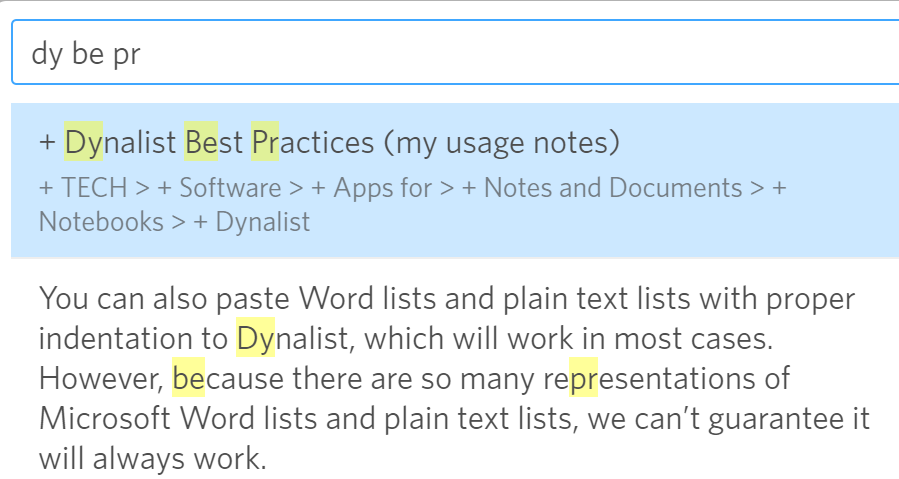
finds the intended page, unlike:
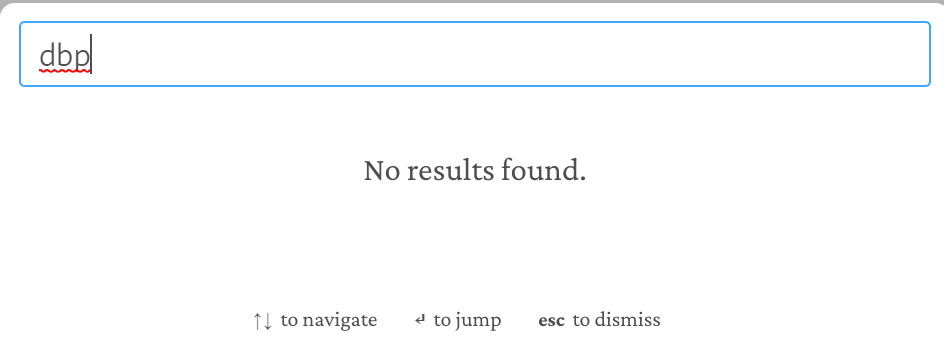
and
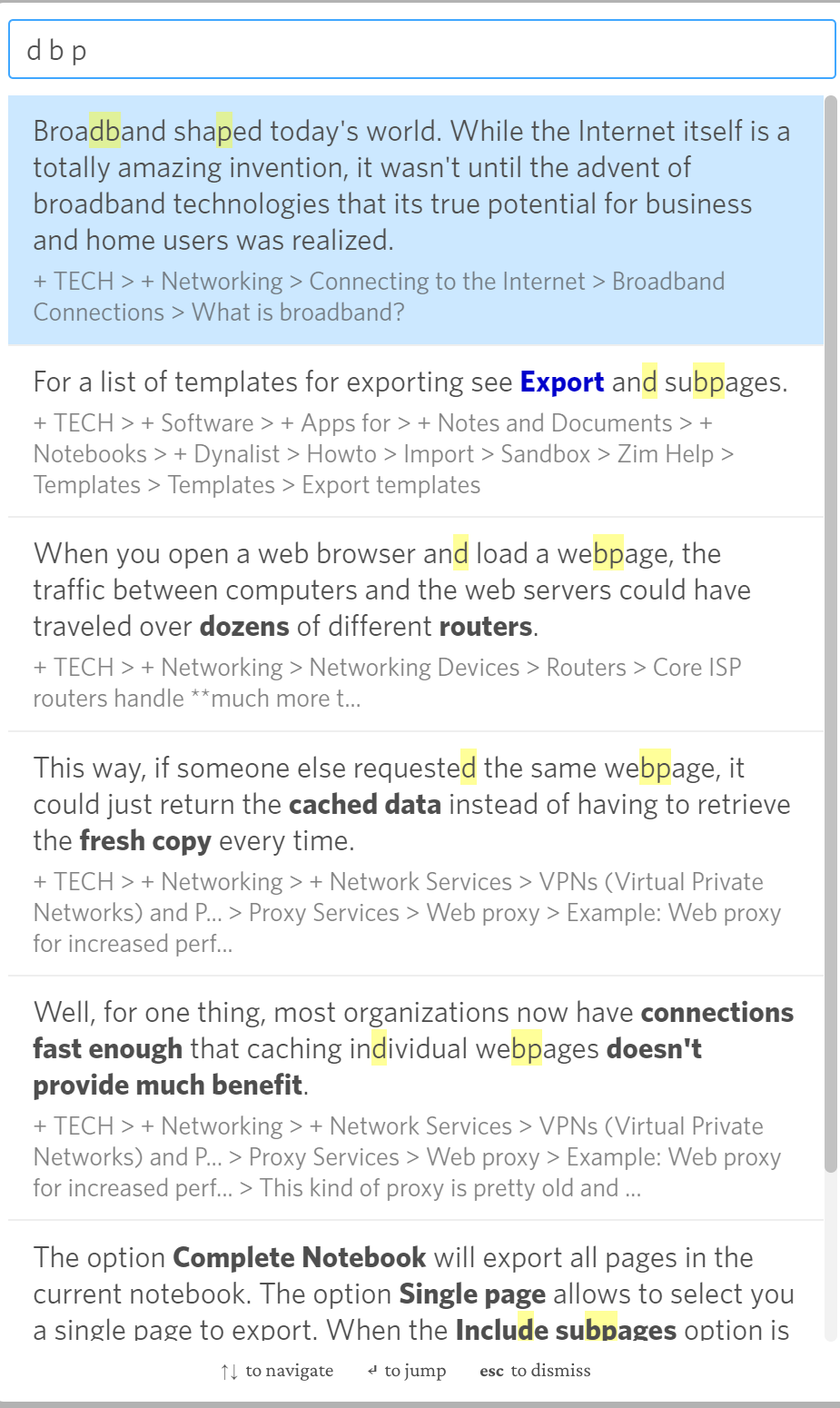
P.S. Or use the web app (the above screenshots were from the desktop app on Windows 10), and extra spaces aren’t needed: