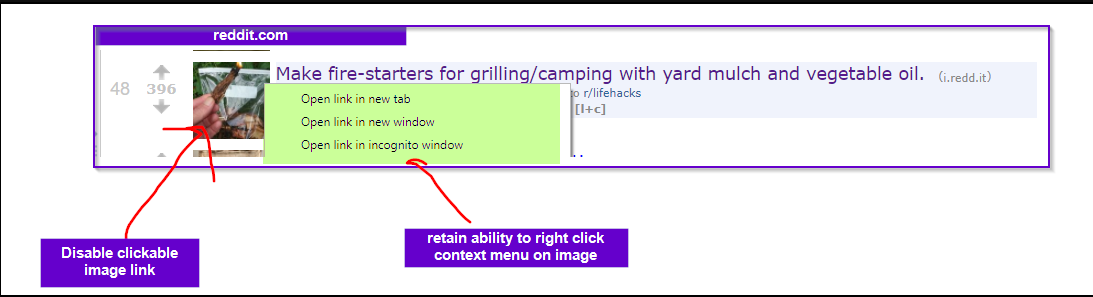
Normally when I put images in dynalist, I use imgur.com links like this one http://i.imgur.com/l3r0t9G.png
I leave on settings the abiliy to have “mark down inlined images”
Recently I’ve been using inline images more now when I take notes, as I don’t have to hover my mouse over to preview an image
The problem I have is this currently:
Sometimes I accidentally click the markdown image bringing me over to link in dynalist that it at.
Example of using a dynalist-uploaded image using pro
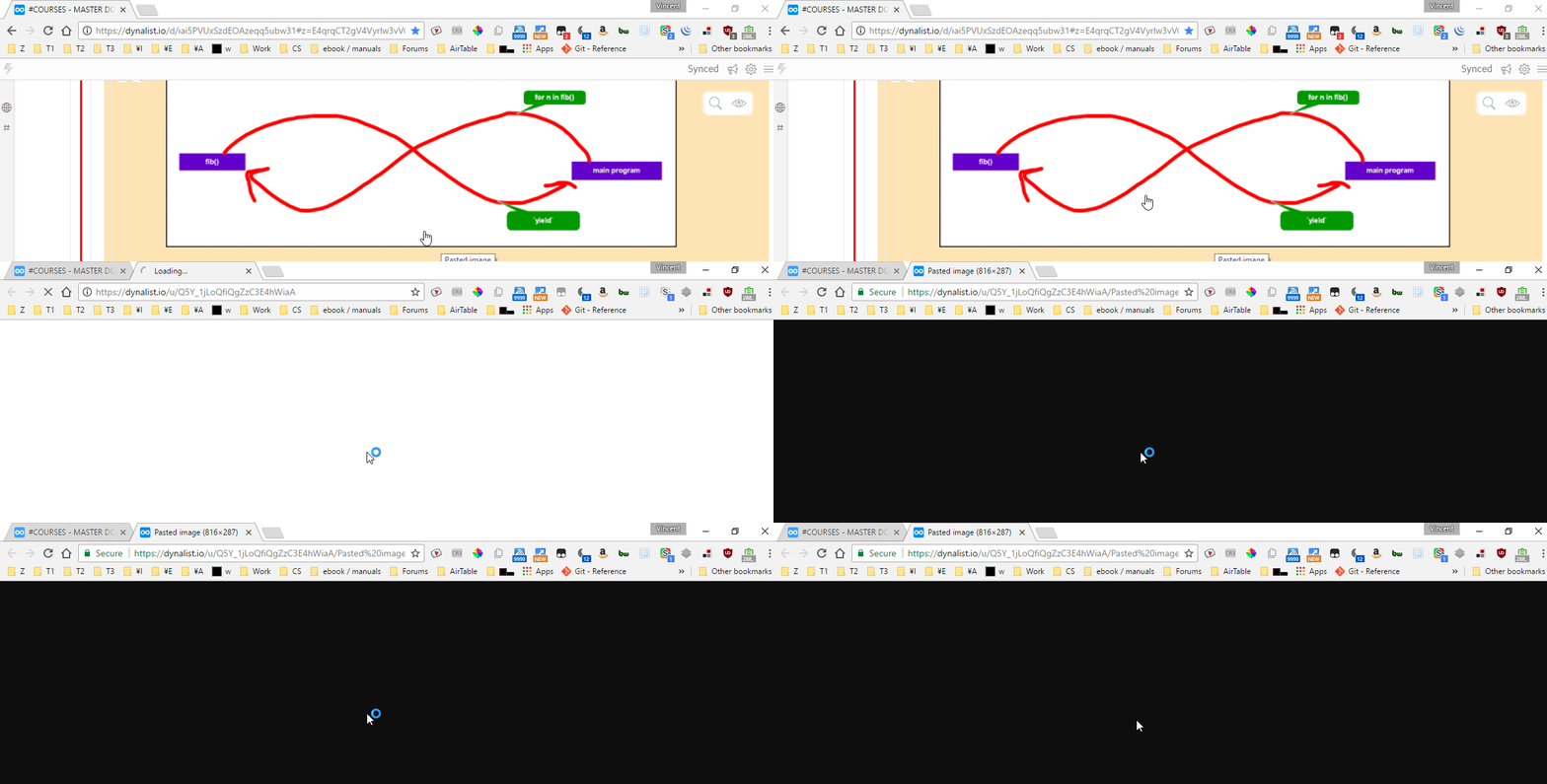
I don’t want to have the ability to click through images sometimes.
I want an option to disable/enable whether a markdown image is clickable or not
This way I don’t fatfinger press an image link when I wanted to click on the node underneath it for instance