Steps to reproduce
- type with a CJK e,g, Chinese pinyin or other iOS stock input method keyboard that requires candidate word selection
- with a hardware keyboard
- system and Dynalist app should be set to dark theme
Expected result
- web selection show as normal
Actual result
-
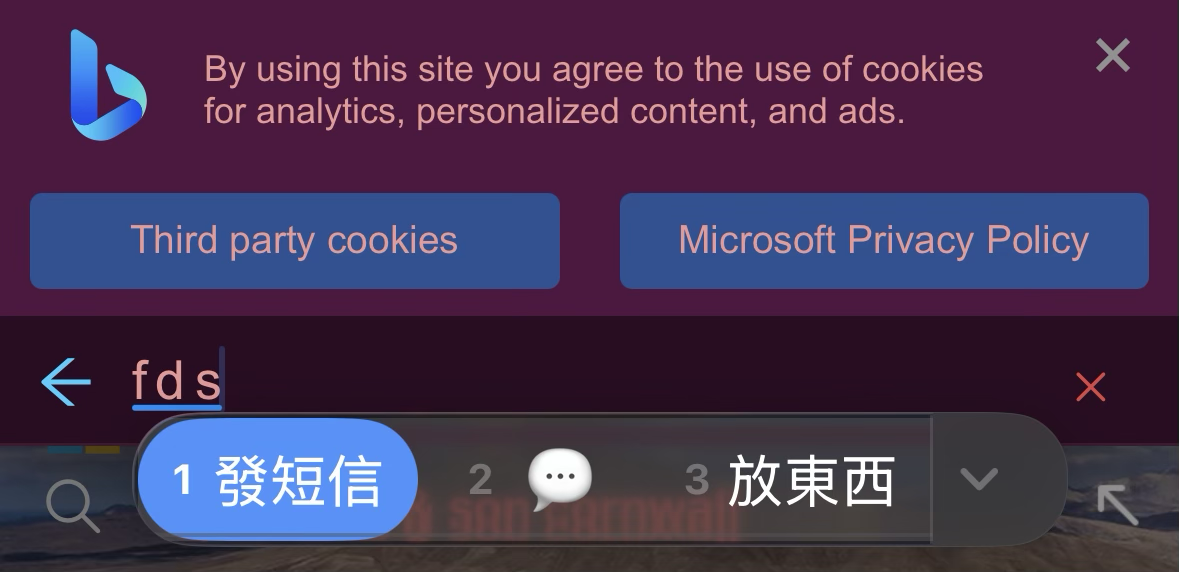
the first word selection candidate is not visible as the font itself is in black, and the background colour is in back
-
sometimes when the hardware keyboard is activated, the screen still show a blank on-screen keyboard
(Both issues indicated in the image below)
-
This should be an issue of the app colour scheme, since the same issue does not happen to other apps e.g. Safari (I am a new user so I could not upload more than one image to demonstrate the normal behaviour, maybe I will add in the comments if you need it)

Environment
iOS 26.4
App version 1.4.16