@Erica I recently started having a very similar bug. It started happening right around when server maintenance was happening last night, so unless its a coincidence I think something happened then that caused it.
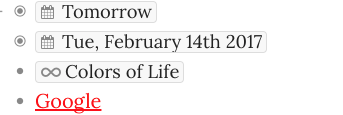
Make an item with a date
Change to dark theme
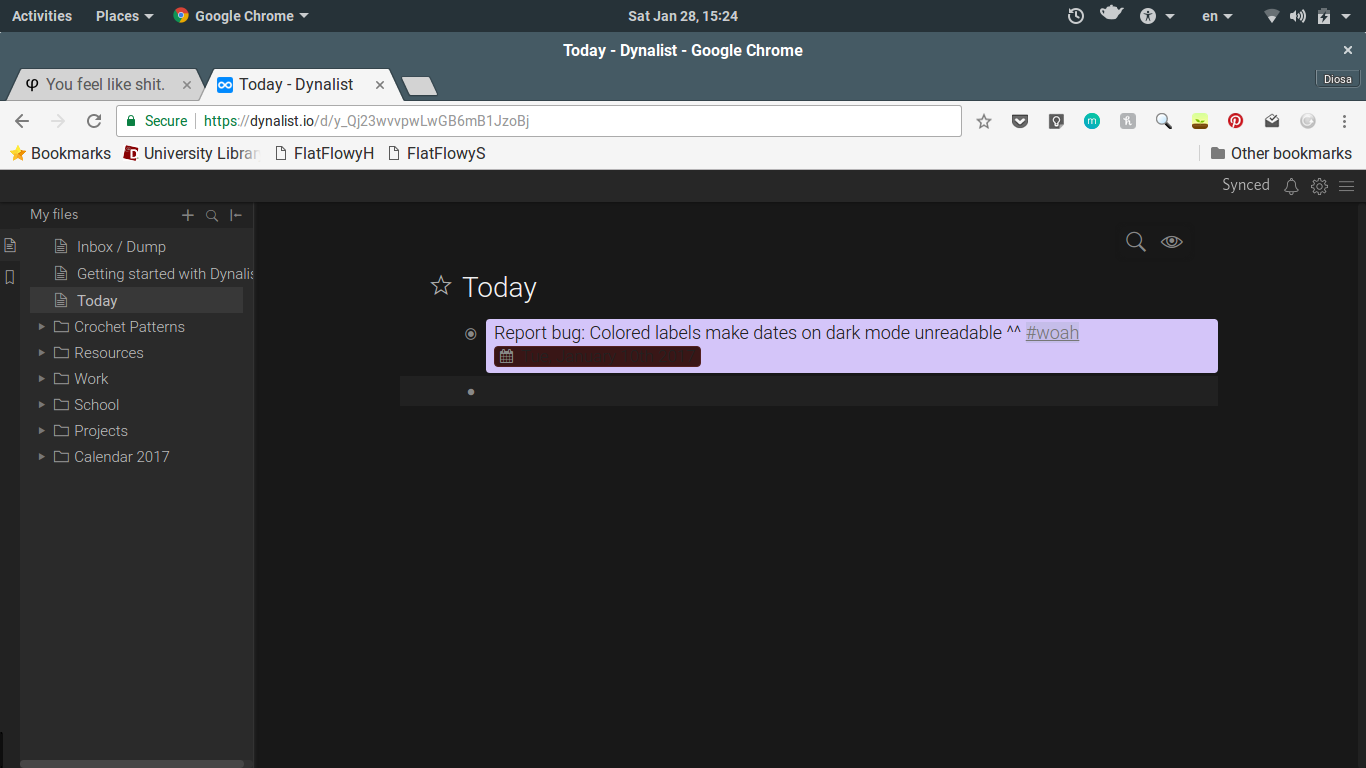
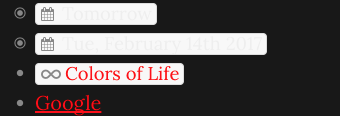
Now all dates and Dynalist links are unreadable because they are all white. They work fine on any other theme.
For clarification, the link “Google” is red because I have a Chrome extension that turns links I’ve already visited red since I can’t distinguish whatever the default viewed-link color is with my color blindness. So in case this helps you, I’ll show you what it looks like after I click the internal link once:
However, there is nothing I can do to make the dates viewable.
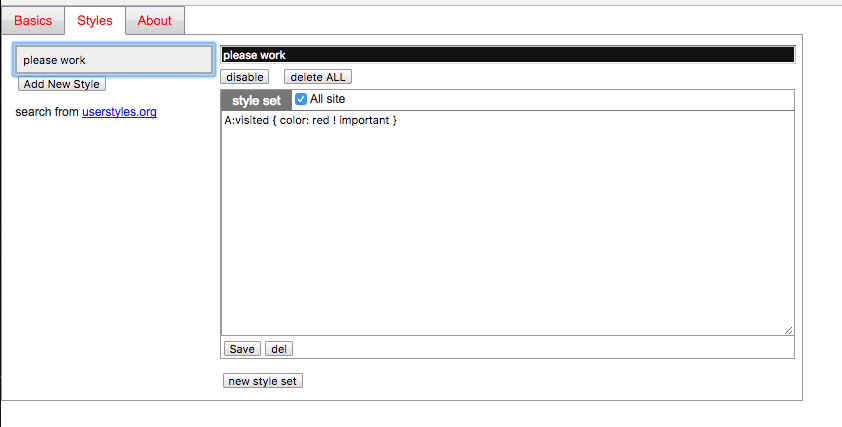
In case you want to make sure it has nothing to do with this extension (Stylist), I can tell you two things:
I got this extension long before using Dynalist, and haven’t changed the settings since. Also, dates worked fine before last night.