I couldn’t quite figure out a workaround for this, but I’m really used to traditionally CTRL+F chrome searches for different items on a page
I’m not a big fan of the current CTRL+F searches embedded straight through dynalist, because normally I don’t run a ton (since I have bookmarks setup, links, and tagclouds) of searches generally
E.G.
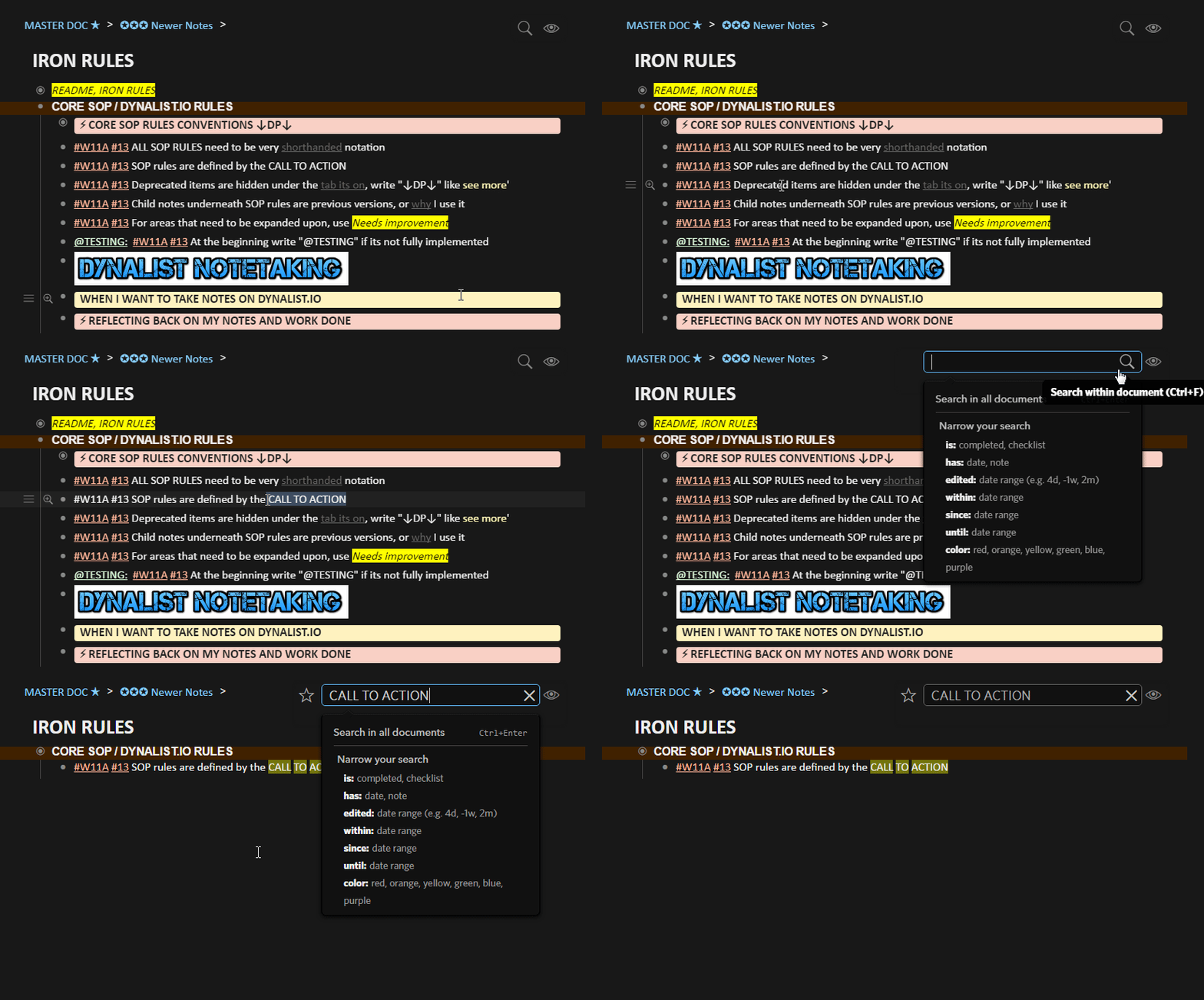
Basically, all I really want is my original chrome shortcut defaulted to CTRL+F and dynalist’s search function hotkey mapped defaulted to CTRL+SHIFT+F or potentially even the option to just disable it
In the above example, I wanted to just search and find words in that view only,
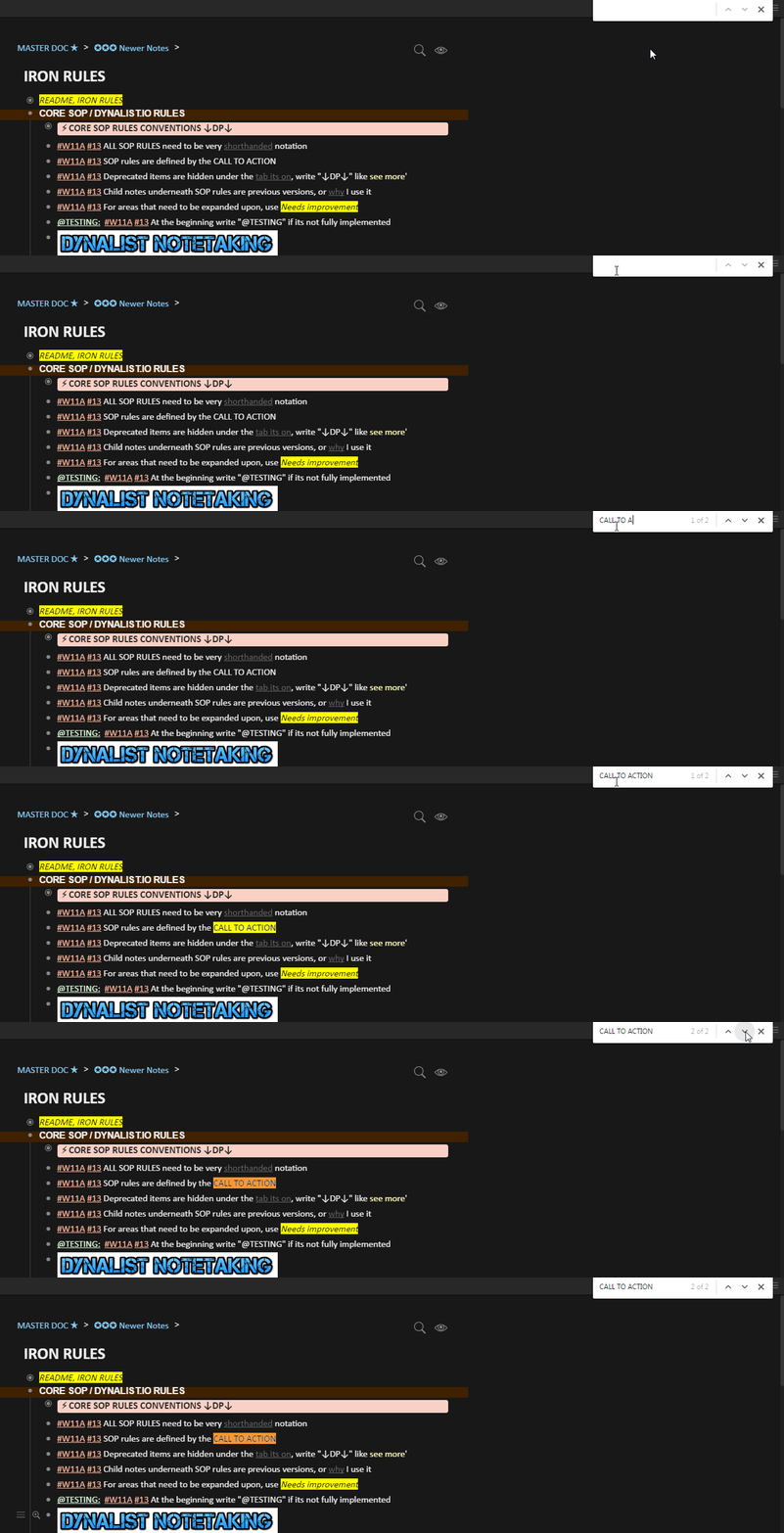
What I want to see, is that specific search words in context to all the notes on that page
I generally try not to have that many nested bulletpoints and have many singular, long ongoing list of notes with easy to read formatting.
TL:DR
I would like to enable my regular chrome search using CTRL+F shortcut