I just discovered I can insert tab characters into a line by holding down the Alt key and then pressing zero and then nine on my number pad.

Copy and pasting that sequence doesn’t work, each tab becomes a space. Even when copy-pasting a whole line the tabs are converted to spaces.
So this is not the solution, but I guess it’s a work-around until there is a solution.
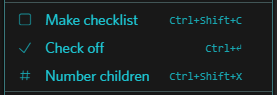
Maybe in the item menu, add an option to Make table in the Make checklist section? Or just go with double-bar (||) markdown to indicate column alignment?
Thanks.